Claude Code Channels: Message Your Agent from Telegram, Discord, or iMessage
Anthropic just launched Claude Code Channels — a research preview that lets you text your running Claude Code session from Telegram, Discord, or iMessage while you're away from the terminal. It's Anthropic's most direct answer to OpenClaw yet.
In this article
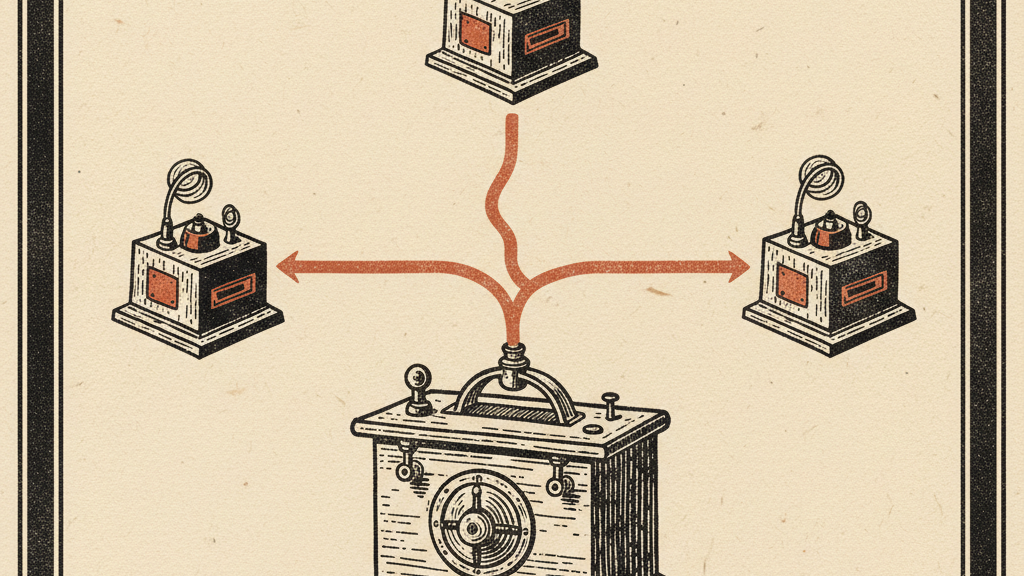
Anthropic launched <strong>Claude Code Channels</strong> this week — a research preview feature that turns Claude Code into an always-reachable AI agent you can ping from Telegram, Discord, or iMessage, even when you're nowhere near your terminal.
It's a direct response to one of the core advantages of OpenClaw: the ability to message your AI from your phone, get a notification when it's done, and never have to babysit a terminal window. Claude Code Channels brings that same workflow to Claude Code, with Anthropic's security guarantees baked in.
What Are Claude Code Channels?
A channel is an MCP (Model Context Protocol) server that pushes events <em>into</em> your running Claude Code session. Instead of polling for commands or spawning a fresh cloud session, the message arrives in the session you already have open — meaning Claude has full context of everything it was working on when your message arrives.
Channels are two-way: Claude reads your inbound message and replies back through the same platform. You see the tool calls in your terminal; the actual reply appears in your Telegram DM, Discord thread, or iMessage conversation.
The key caveat: events only arrive while the session is open. For a truly always-on setup, you run Claude Code in a persistent background terminal (a tmux session, for example). That's an extra configuration step, but it unlocks the "text and forget" workflow most users are after.
How It Works
Each channel is installed as a plugin via Claude Code's plugin system. You install the plugin, configure it with your own bot credentials, then restart Claude Code with the <code>--channels</code> flag pointing at the plugin. From there, messages sent to the bot land inside your session and Claude responds.
Under the hood, each channel plugin is an MCP server. This means Anthropic can keep the channel system extensible — the same plugin architecture that powers tool integrations now bridges your messaging apps. The docs even include a <code>fakechat</code> quickstart so you can test the flow on localhost before connecting a real platform.
Supported Platforms
- <strong>Telegram</strong> — Create a bot via BotFather, install the plugin, configure your token. Pairs with a code sent to your bot.
- <strong>Discord</strong> — Create a bot in the Discord Developer Portal, install the plugin, invite the bot to your server. Pairs via DM.
- <strong>iMessage</strong> — Sends through your Mac's Messages app. Mac-only, requires local setup. Good for Apple-native workflows.
- <strong>Build your own</strong> — The channels reference is public; any MCP server can act as a channel. CI webhooks, monitoring alerts, or Slack are all on the table with custom builds.
Setting Up Telegram (Quick Reference)
For most users, Telegram is the fastest path:
- Create a bot via <a href="https://t.me/BotFather">BotFather</a> and copy the token
- In Claude Code, run: <code>/plugin install telegram@claude-plugins-official</code>
- Configure the token: <code>/telegram:configure <token></code>
- Restart with channels enabled: <code>claude --channels plugin:telegram@claude-plugins-official</code>
- Send any message to your bot — it replies with a pairing code
- Run <code>/telegram:access pair <code></code> then <code>/telegram:access policy allowlist</code> to lock it to your account
After that, messages you send to the bot go straight into your Claude Code session. Claude replies in Telegram. The terminal shows what it did.
The Security Model
Anthropic's implementation is deliberately more locked down than OpenClaw's default approach. Every channel plugin maintains a sender <strong>allowlist</strong> — after pairing, only messages from your verified account are forwarded into Claude. Anyone else who messages your bot gets nothing.
For Team and Enterprise organizations, admins must explicitly enable channels before any member can use them. The setting is off by default, giving IT and security teams control over rollout. According to the docs, admins can also manage which channels are permitted org-wide.
Channels require <strong>claude.ai login</strong> — Console or API key authentication isn't supported. This ties the feature to Anthropic's account system rather than treating it as a standalone CLI feature.
How It Compares to OpenClaw
OpenClaw's core appeal was always the "persistent personal agent" model: your AI is running on your machine, you text it from your phone, and it works while you sleep. That capability is exactly what Claude Code Channels delivers — but with a few key differences:
- <strong>Security</strong>: Claude Code Channels ships with allowlist-only access and org-level controls. OpenClaw's security model is DIY — powerful but requires setup discipline.
- <strong>No persistent background session (yet)</strong>: Channels only work while Claude Code is running. OpenClaw agents can run as always-on daemons. You can replicate this with tmux/screen, but it's not built-in.
- <strong>Platform coverage</strong>: Telegram, Discord, iMessage in research preview. OpenClaw historically supported a broader set including WhatsApp, Slack, and iMessage. Claude Code's custom-channel support could close this gap.
- <strong>Setup friction</strong>: Claude Code Channels is meaningfully easier for non-technical users than self-hosting OpenClaw — especially on the Discord/Telegram side where the plugin handles bot creation prompts.
- <strong>Model quality</strong>: This is where Anthropic wins outright. Claude Code running on Sonnet 4.6 or Opus 4.6 is a better coding agent than any OpenClaw-compatible model right now.
The SiliconRepublic piece framing this as an "OpenClaw killer" might be premature — OpenClaw's open-source ecosystem and WhatsApp/Slack support still have advantages. But for developers already living in Claude Code, this removes the last major reason to look elsewhere for agent persistence.
Availability & Requirements
- ✅ <strong>Research preview</strong> — available now
- ✅ <strong>Claude Code v2.1.80 or later</strong> required
- ✅ <strong>claude.ai login</strong> required (Console/API key not supported)
- ✅ <strong>Bun</strong> required for channel plugins
- ⚙️ <strong>Team/Enterprise</strong>: admins must explicitly enable channels for the org
- ✅ <strong>Supported platforms</strong>: Telegram, Discord, iMessage (research preview)
The Bottom Line
Claude Code Channels is the feature that makes Claude Code genuinely async. Before this, you had to be at your terminal, watching a session, to interact with your agent. Now you can assign a task, close the laptop, and get a Telegram ping when it's done.
The security model is solid, the setup is documented well, and the MCP-based architecture means the channel ecosystem will grow quickly. The missing piece is a native persistent background session — right now you need to manage your own tmux/screen setup to get true always-on behavior. That's likely coming.
For developers already on Claude Code, this is worth enabling today. It's the biggest quality-of-life improvement to Claude Code's workflow since Remote Control launched — and it makes the "AI working while I'm away" dream practical rather than aspirational.
Get the Claude playbook in your inbox.
One weekly email for Claude and Claude Code users. Real workflows, no hype. Subscribe and we send you The Claude Power-User Cheatsheet.
— ¶ —

Luke Thompson
Luke Thompson is the founder of The Operations Guide, LLC and editor of The Claude Insider. Based in Jonesborough, Tennessee, he has spent years building AI-augmented business systems and automation workflows for operators and teams. He began working with large language models in production well before the current wave of consumer AI tools, integrating them into client workflows, content pipelines, and operational infrastructure. At The Claude Insider, he writes about Claude with the specificity of someone who uses it daily as a professional tool — not as a reviewer or commentator, but as a builder. His coverage focuses on what actually works: prompt patterns, API integration strategies, agentic workflows, and the real-world tradeoffs that practitioners face. He is not affiliated with Anthropic, PBC.
Articles are researched and drafted with AI assistance, reviewed and edited by Luke Thompson.
Know where AI can pay off in your company.
Take the free two-minute AI Readiness Assessment. See your score, the two gaps holding you back, and the next move worth making.